Name the material
Steel, wood, composite, cabinet panel and repair surfaces each change the abrasive, bit or hardware conversation.
How-To Guides
Use Norton guides to move from "what should I buy?" to a practical sequence: identify the material, choose the accessory, check the tool setup and confirm the finish or installation goal.
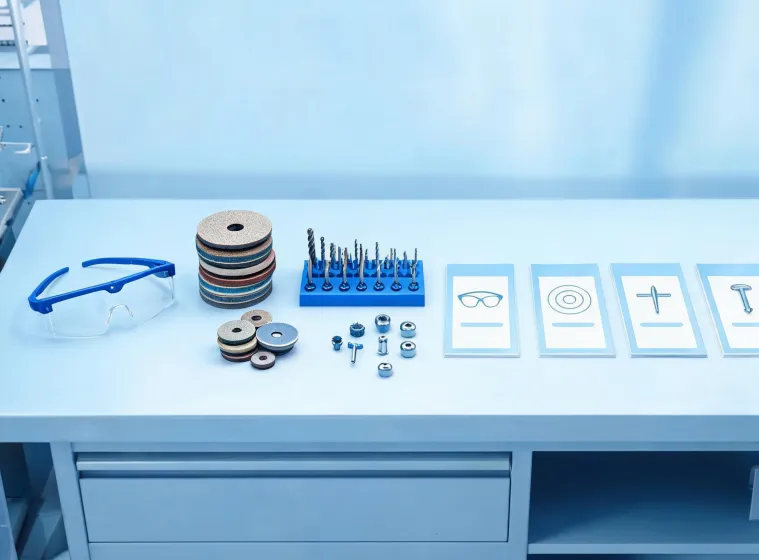
Guide roadmap
Steel, wood, composite, cabinet panel and repair surfaces each change the abrasive, bit or hardware conversation.
Wheel diameter, tool speed, chuck size, handle clearance and guide fixtures often matter before brand preference does.
Cutting, grinding, blending, drilling, driving or aligning should be separated so the request lands in the right product family.
The final result may be a smooth weld, a clean pilot hole, a flush hinge or a stocked maintenance drawer.
Guide toolkit
Use a guided sequence to move from removal to blending without skipping the step that controls the final surface.
4 finish stagesCompare base material, depth and bit coating before asking for stock or replacement accessories.
3 setup checksReview clearance, alignment, screw choice and repeatability before selecting hinges, slides or handles.
5 install cuesLearning channels
The guide library is written for people who work in different places but need the same kind of clarity: what detail matters first and what action should happen next.
Quick prompts help counter teams gather the right information before recommending a category.
Maintenance teams can check replacement needs without stopping to search through unrelated product families.
Field teams can clarify drilling, fastening and alignment details before ordering repeat quantities.
Supervisors can use guide steps to explain abrasive and hardware choices to new team members.
Ask for a guide path
The reply can point you toward a product family, a dealer request or the practical detail that should be checked before purchase.